Table of Contents
The per-student pricing model is designed to extract money from schools
Somewhere in the last decade, EdTech companies decided that schools should pay for administrative software the way enterprises buy corporate software seats. They charge per user, per month, forever. Except in a school, the user is a child sitting in a classroom. Your software bill climbs every time you admit a new student. You are penalized for expanding enrollment.
This model hurts educational institutions. It turns an ordinary operational function, like recording daily attendance, organizing classes, and issuing tuition invoices, into an escalating variable cost. It also creates a perverse incentive for administrators. Schools avoid digitizing basic parent communication or report generation simply because every additional feature bundle pushes the per-seat charge higher.
Let’s speak plainly. If your school pays recurring per-student SaaS subscriptions for daily administrative tasks, you are overpaying by a factor of 50 to 500. The math behind these vendor contracts exposes just how extreme the markup really is.
What schools actually pay in school SaaS fees each year
Most SaaS platforms guard their pricing behind high-pressure sales calls. When you audit their contracts, the pattern is unmistakable. These numbers reflect current standard industry rates in 2026:
ClassReach. Entry plans start near $3.50 per student monthly for basic recordkeeping. Their full feature tier runs between $6 and $8 per student each month.
Classter. Pricing scales according to module bundles. Schools typically pay between $5 and $12 per student per month once they combine admissions, student records, fee collection, and parent communication.
Gradelink. Starts at roughly $4 per student monthly. Once you add modules for attendance, online payments, and parent portals, the price climbs to $8 to $10 per student each month.
Alma and PowerSchool. District quotes rarely appear publicly. Independent schools regularly report baseline rates between $7 and $15 per student per month, accompanied by mandatory onboarding retainers.
FACTS and Blackbaud. High-end private school platforms charge tens of thousands in annual base licensing, along with mandatory setup contracts and per-transaction cuts on tuition processing.
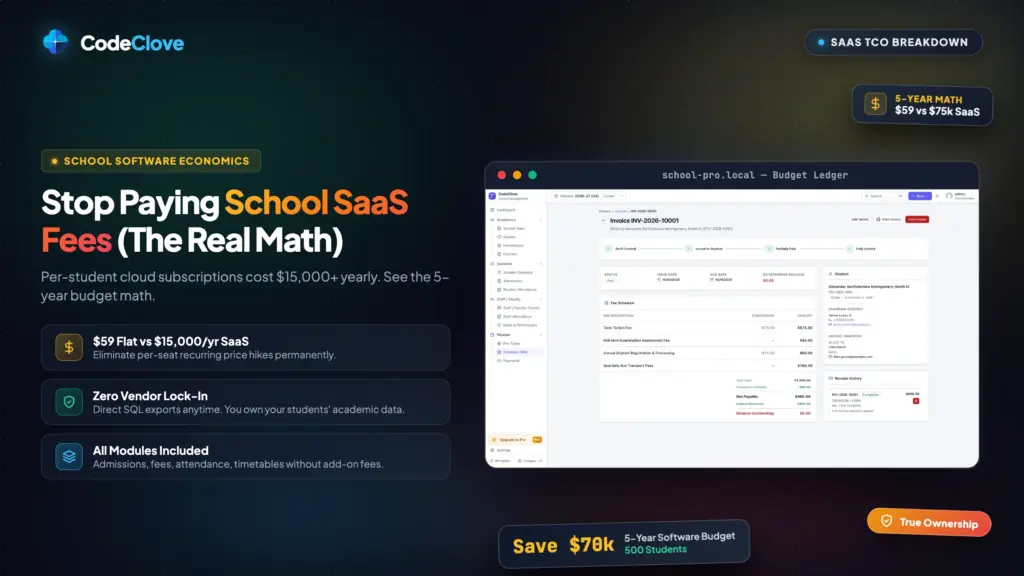
Take a conservative middle baseline of $6 per student each month, which equates to $72 per student annually. Let’s calculate what that means in actual budget dollars across three standard school sizes.
How school SaaS fees compound over five years
| School Size | Annual SaaS Cost ($6/student/mo) | 5-Year SaaS Total Cost | CodeClove School Management Pro 5-Year Total |
|---|---|---|---|
| Small School (300 students) | $21,600/year | $108,000 | $959 ($59 license + $15/mo hosting) |
| Mid-Size School (1,000 students) | $72,000/year | $360,000 | $1,259 ($59 license + $20/mo hosting) |
| Large Campus (3,000 students) | $216,000/year | $1,080,000 | $1,859 ($59 license + $30/mo VPS) |
Think about those numbers for a moment. A mid-size school spending $72,000 every single year on a web application is spending the equivalent of two full-time teacher salaries. In many countries, that budget covers three or four teaching positions.
Worse, SaaS vendor bills never remain flat. Master service agreements frequently include automatic 5% to 8% annual escalation clauses. If your school adds fifty students next year, your base bill expands twice over. You pay higher per-head rates on top of a larger student population. A school paying $72,000 today easily finds itself paying $90,000 within two years for the exact same database software.
What a self-hosted WordPress setup actually costs
Here is the realistic cost of running an independent, self-hosted system. Every expense is accounted for with zero hidden charges.
Cloud hosting. A standard virtual private server on providers like Cloudways, GridPane, DigitalOcean, or Hetzner costs between $20 and $30 per month. That server effortlessly handles student records, daily attendance, and parent lookups for 1,000 students. CodeClove School Management Pro runs its administrative console and parent portal as a React 18 single-page application built with Vite and Tailwind. The heavy interface rendering takes place directly in the user’s browser. The server only processes lightweight REST API queries against optimized MariaDB or MySQL tables. A modest 2-core VPS with 4GB RAM has plenty of headroom.
- Annual hosting cost: $240 to $360 per year ($20 to $30 per month)
CodeClove School Management Pro license. A single-site license costs $59 one time. It is not billed per student. It is not billed per month. It does not limit your enrollment count. For multi-campus or network operations, a 5-site license is $109, and an unlimited site license is $179.
- Initial software cost: $59
- Subsequent update renewal: Optional. Unlike SaaS, if you choose not to renew annual update support, the plugin keeps running on your server forever. Your database never locks you out.
Custom domain and SSL certificate. Your institution already operates an official domain. If you set up an administrative subdomain like portal.yourschool.edu, the DNS record is free. If you register a dedicated new domain, it runs approximately $12 annually. Modern SSL certificates from Let’s Encrypt are completely free.
- Domain registration: $12 per year (or $0 on an existing school subdomain)
Total first-year investment: $59 (license) + $240 (hosting) + $12 (domain) = $311.
Ongoing annual maintenance: $240 (hosting) + $12 (domain) = $252 per year. Even if you choose to renew the CodeClove Pro license annually for active support and software updates, your total annual bill is just $311.
Compare $311 per year against $72,000 per year. The self-hosted installation costs less than half of one percent of the SaaS option. That is not a minor saving. It is an entirely different financial reality.
The standard objections to self-hosting
School administrators hearing these figures often raise predictable objections. Let’s look at each one against practical engineering facts.
“SaaS includes hosting in the fee.” Yes, and hosting an application of this scale costs roughly $20 to $30 a month. Paying $6,000 each month for a 1,000-student school to avoid managing a $25 hosting bill represents a 240-fold markup. No managed infrastructure in the world justifies paying 240 times the underlying cloud cost.
“SaaS provides automatic software updates.” CodeClove School Management Pro provides one-click WordPress dashboard updates. More importantly, when you run self-hosted software, you maintain control over updates. A SaaS vendor can change their interface overnight, alter workflows during finals week, or retire critical reports without your consent. In WordPress, you test updates on a staging site when your academic calendar allows it.
“SaaS platforms handle backups and data security.” Modern cloud hosts provide automated daily snapshots stored offsite. WordPress core handles automated security patches. Free security plugins like Wordfence protect against brute-force attempts. CodeClove School Management contains zero external tracking scripts, loads no Google Fonts, and uses no third-party CDNs. That closed footprint removes external supply-chain vulnerabilities that frequently expose cloud platforms.
“SaaS handles peak traffic and server scaling.” School management systems do not experience e-commerce flash sales. Peak load happens when twenty teachers take morning roll call, or when parents check end-of-term grades. With our dedicated database architecture, recording attendance for an entire classroom runs in a single optimized query batch. See our detailed technical breakdown of how WordPress attendance tracking works for 1,000+ students to inspect the query benchmarks.
“Our school has no dedicated IT team.” If your school can maintain its public website, your staff can manage this plugin. CodeClove School Management Pro installs with a standard zip upload and includes a simple setup wizard. You select your country academic preset, configure terms, and start working immediately. If you prefer white-glove onboarding, hiring a vetted WordPress specialist for a one-time setup fee of $300 to $500 still represents a tiny rounding error compared to an ongoing $72,000 yearly SaaS invoice.
What CodeClove School Management Pro includes for $59
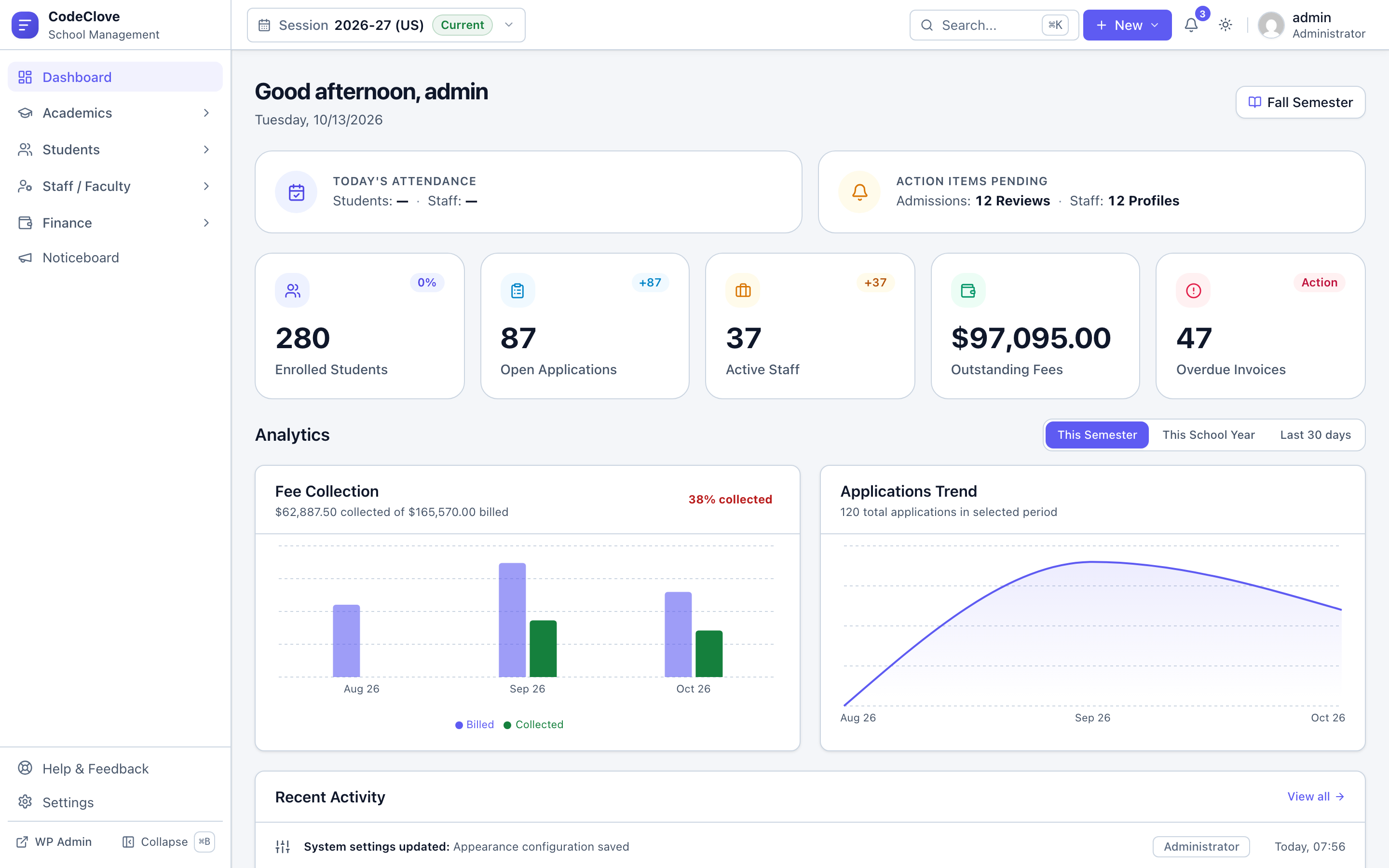
SaaS marketing teams often suggest that self-hosted tools are barebones scripts. The opposite is true. Here is what CodeClove School Management Pro provides out of the box with no hidden paywalls:
- Admissions and enrollment workflows. Public application forms via the
[codeclove_admission_form]shortcode, document uploads, application status tracking, and one-click conversion of accepted applicants into enrolled students. Learn more in our guide on managing school admissions in WordPress. - Student information system. Comprehensive student profiles, guardian relationships, academic histories, medical alerts, and printable identification cards.
- Flexible tuition and fee management. Multi-term fee structures, custom discounts, partial payments, automated invoices, and offline receipts. Pro includes native payment gateway integration for Stripe, PayPal, Razorpay, and Indian UPI, along with automated defaulter tracking. Check our step-by-step walkthrough on setting up automated school fee collection.
- Attendance registers. Daily roll call, monthly summary tables, half-day calculations, and instant absence SMS alerts for students and staff.
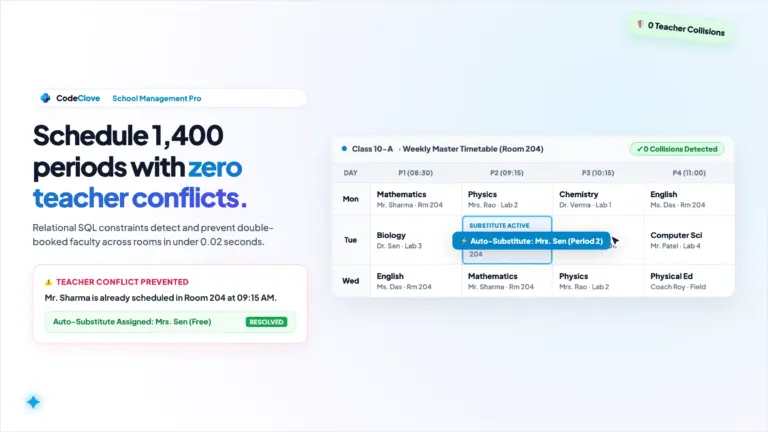
- Timetable and substitution engine. Interactive schedule builder, room clash detection, free-period discovery, and teacher substitution reassignment.
- Student and parent portal. Dedicated responsive portal accessed via the
[codeclove_portal]shortcode. Guardians check attendance records, inspect timetables, and download receipts directly. Read our deep dive on building a parent portal in WordPress. - SMS dispatch integrations. Native connectivity with Fast2SMS, MSG91, Twilio, and Vonage for instant fee reminders and emergency announcements.
- Granular permission matrix. Over 60 individual permission toggles to restrict access for teachers, accountants, registrars, and front-desk staff.
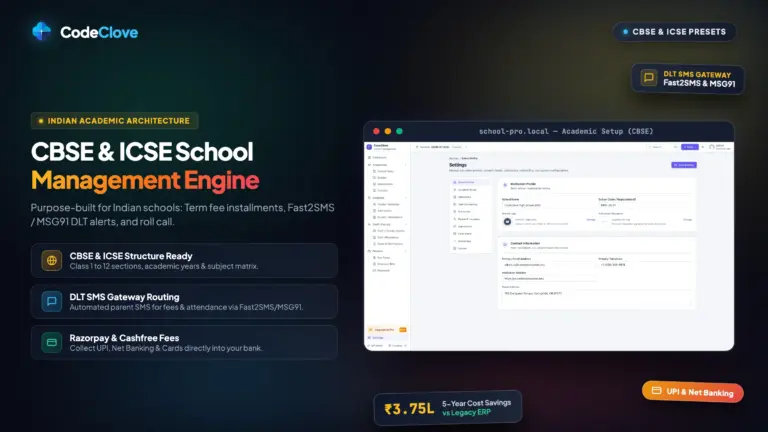
- Ready-made country presets. One-click structural templates for CBSE and ICSE in India, K-12 in the United States, Key Stages in the United Kingdom, and an adaptable Global preset.
- Zero vendor tracking. Fully self-contained local assets. No external telemetry, no CDN leaks, and total privacy for your students.
Most SaaS vendors divide these capabilities across three or four separate subscription tiers. In CodeClove School Management Pro, every module is included in the base license.
The hidden trap of “free” SaaS tiers
Several commercial vendors advertise free tiers for early-stage schools, usually capped at 50 or 100 students. This is a deliberate trap. Vendors understand that migrating student directories, historic grades, and billing histories is stressful for busy administrators. Once your enrollment crosses 101 students, the vendor locks advanced tools and demands full per-seat payment.
Self-hosted software never holds your institution captive. All records live in your own MySQL database. You can export complete CSV backups, create local database dumps, or query tables directly whenever you want. If you ever decide to switch platforms, your data remains in your custody on your server.
Data ownership and regulatory compliance
Schools handle sensitive information including minors’ names, home addresses, guardian contacts, emergency medical conditions, and banking details. The legal responsibility for safeguarding that data rests squarely on the school administration. We explore these statutory obligations thoroughly in our guide on why student data should stay on your self-hosted server.
When you rely on third-party SaaS vendors, your records reside on multi-tenant servers often situated thousands of miles away in foreign cloud regions. You have no independent way to verify how your data is partitioned or retained. With self-hosted WordPress, your database lives on a sovereign server in your selected geographic region. That architectural control simplifies compliance with laws like FERPA in the United States, GDPR across Europe, and the Digital Personal Data Protection Act in India.
Calculating the cost of switching
If your school is currently paying for an EdTech SaaS subscription, switching requires effort. Teachers must familiarize themselves with a new screen layout. Registrars must export existing spreadsheets and verify fields. We will not pretend migration takes zero minutes.
Look honestly at the compounding math. Continuing with a SaaS platform that charges $72,000 every year means sending over $360,000 out of your institution over five years. Spending two weeks of staff preparation to migrate your records to a self-hosted platform pays for itself within the very first month. The best moment to avoid SaaS lock-in was when your school was founded. The second best moment is right before your upcoming renewal invoice arrives.
Who should not self-host
Self-hosting is the rational choice for the vast majority of institutions, but a few specific environments require caution.
Large public school districts bound by state-level procurement frameworks or multi-year district contracts may not have the bureaucratic freedom to change software independently.
Schools operating under strict statutory mandates that require specific third-party SOC 2 Type II vendor certifications should confirm their compliance obligations before making technical changes.
For independent schools, private academies, charter institutions, international schools, and learning centers that control their own administrative budgets, paying per-student software fees is an unnecessary drain on educational resources.
The five-year balance sheet
Here is the realistic financial comparison for an institution with 1,000 students over five years:
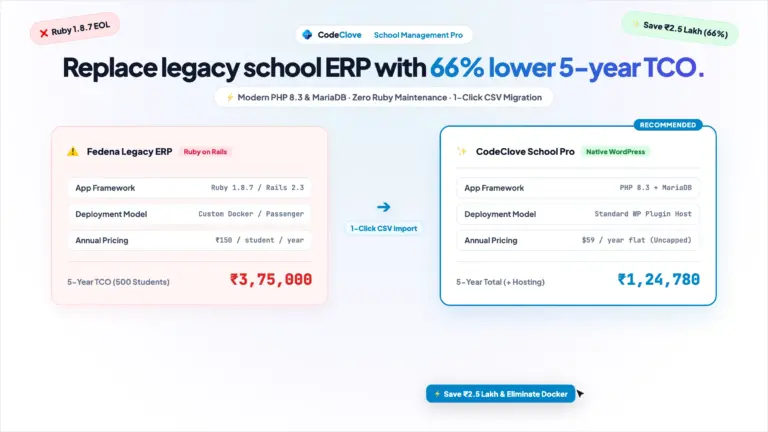
- EdTech SaaS at $6 per student monthly: $72,000 annually multiplied by 5 years equals $360,000. Factoring in typical 5% annual price escalations pushes that total beyond $397,000.
- Self-hosted CodeClove School Management Pro: $59 initial license plus five years of dependable cloud hosting at $20 per month ($1,200) equals $1,259. Even if you budget an optional annual license renewal of $59 each year ($295) and dedicated domain registration ($60), the complete five-year cost is approximately $1,555.
The difference exceeds $358,000. That capital belongs in your classrooms. It pays for certified teachers, science laboratories, musical instruments, athletic facilities, and library archives. It should not pad the profit margins of a venture-funded software vendor.
Frequently asked questions about school management SaaS costs
Why do EdTech SaaS companies charge per student instead of a flat fee?
Per-student pricing enables vendors to extract more revenue as your enrollment grows, even though their underlying server expenses barely change. Storing one thousand student rows in a database table costs fractions of a cent in cloud storage. Charging recurring fees per child transforms a simple administrative tool into an expanding profit stream for the vendor.
What are the ongoing costs of running CodeClove School Management on WordPress?
Your primary ongoing expense is standard WordPress cloud hosting, which costs between $15 and $30 per month depending on your chosen hosting provider. Domain registration is around $12 per year. Unlike SaaS platforms, there are zero per-student seat charges, zero monthly platform subscriptions, and no forced user fees.
Can we import student and staff records from our current SaaS platform?
Yes. Every reputable SaaS platform provides standard CSV data exports. CodeClove School Management Pro includes dedicated CSV import tools with downloadable sample templates for students and staff. You map your exported columns, assign incoming students to their respective academic sessions and classes, and complete bulk imports in minutes.
Take back your school’s software budget
If you are selecting administrative software for a new school, avoid the per-student SaaS trap from day one. You will save tens of thousands of dollars before your first graduating class completes their studies.
If you are currently paying thousands of dollars each month to a SaaS vendor, begin planning your transition. Download your CSV records. Set up a fresh WordPress site. Install CodeClove School Management Pro. Run the system alongside your old setup for a single term to let your staff get comfortable. Once you see how cleanly it operates, cancel your SaaS renewal and put that money back where it belongs.
Get CodeClove School Management Pro for $59. Pay once. Never pay per student. Keep complete ownership of your data on your own server.
Spend your school’s budget on educators, not software seats.